Image import and crop
Crop the subject after upload, then generate a chart at the grid size you need.
高精度な図案変換アルゴリズムと操作しやすいツールを提供します。
Crop the subject after upload, then generate a chart at the grid size you need.
Choose the brand palette you own and check every generated cell by its color code.
Export the chart, open print preview, and view bead counts grouped by code.
3つの簡単な手順で、図案と材料リストを仕上げられます。
JPG / PNG / WebP supported; images with clear outlines work best.
Set the grid size, color limit and display options, then preview and edit the result.
Download the chart and bead list, sort your beads by code and start placing.
図案変換、編集、印刷についてのよくある質問です。
A pattern's resolution equals your board size, so bigger grids keep more detail. Try 58×58 or larger for portraits, 72×72 for landscapes, and cap the palette to control cost.
No. Everything runs in your browser on phone or desktop; sign in to save drafts.
Yes. Each cell uses the currently selected brand palette and the export includes a bead-count summary grouped by code.
Yes. The exported chart includes grid lines and codes — print it on A4 and use it as your building guide.
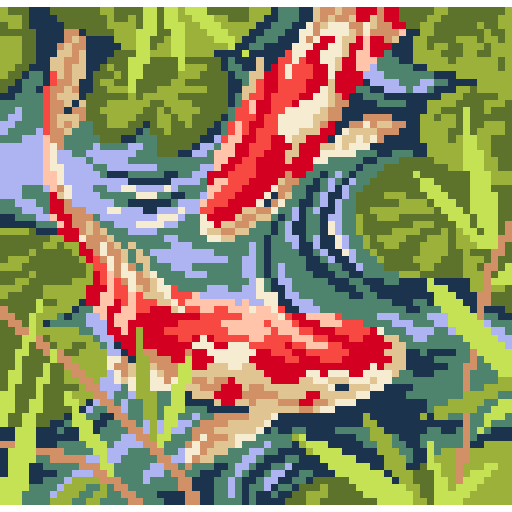
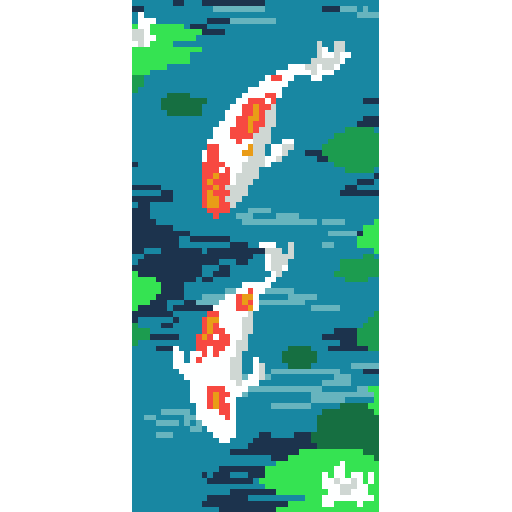
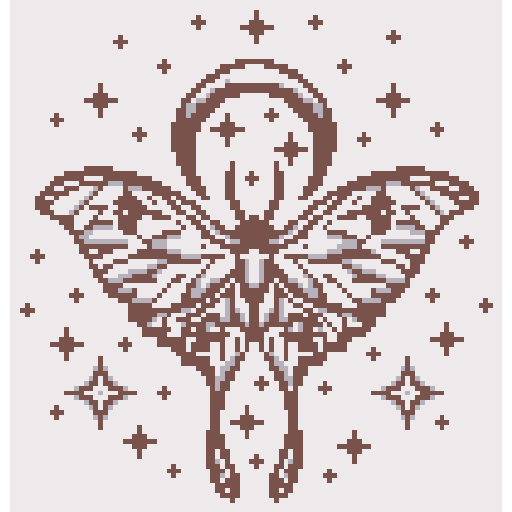
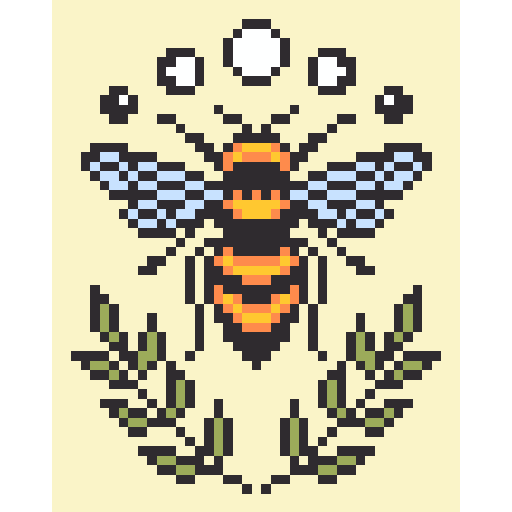
写真やイラストからパレット変換で制作されたコミュニティの秀作です。