Image import and crop
Crop the subject after upload, then generate a chart at the grid size you need.
정교한 도안 변환 알고리즘과 편리한 인터랙티브 도구를 제공합니다.
Crop the subject after upload, then generate a chart at the grid size you need.
Choose the brand palette you own and check every generated cell by its color code.
Export the chart, open print preview, and view bead counts grouped by code.
간단한 3단계로 도안과 재료 체크리스트를 완성하세요.
JPG / PNG / WebP supported; images with clear outlines work best.
Set the grid size, color limit and display options, then preview and edit the result.
Download the chart and bead list, sort your beads by code and start placing.
도안 변환, 편집, 인쇄에 관한 자주 묻는 질문입니다.
A pattern's resolution equals your board size, so bigger grids keep more detail. Try 58×58 or larger for portraits, 72×72 for landscapes, and cap the palette to control cost.
No. Everything runs in your browser on phone or desktop; sign in to save drafts.
Yes. Each cell uses the currently selected brand palette and the export includes a bead-count summary grouped by code.
Yes. The exported chart includes grid lines and codes — print it on A4 and use it as your building guide.
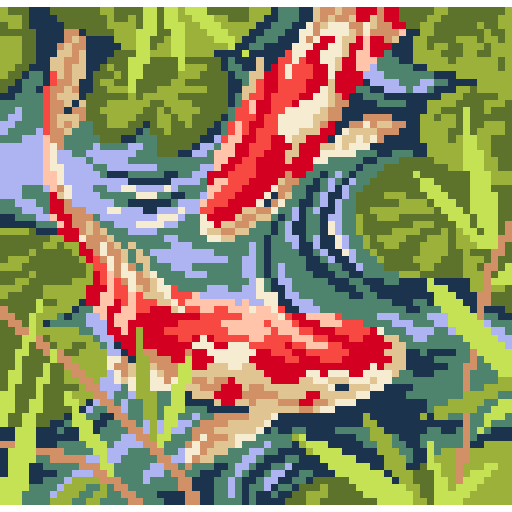
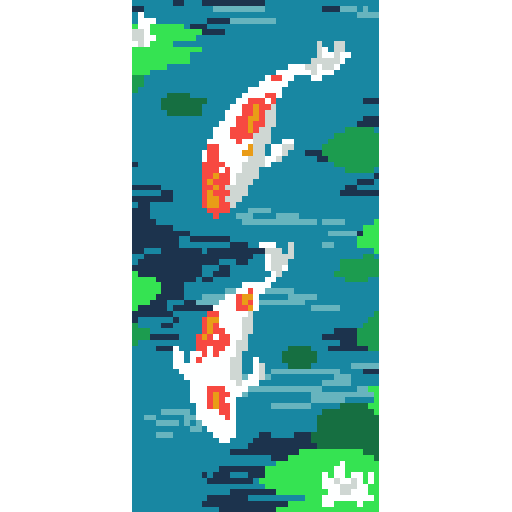
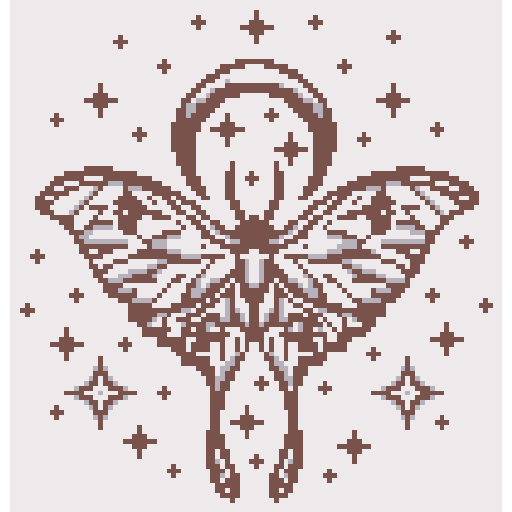
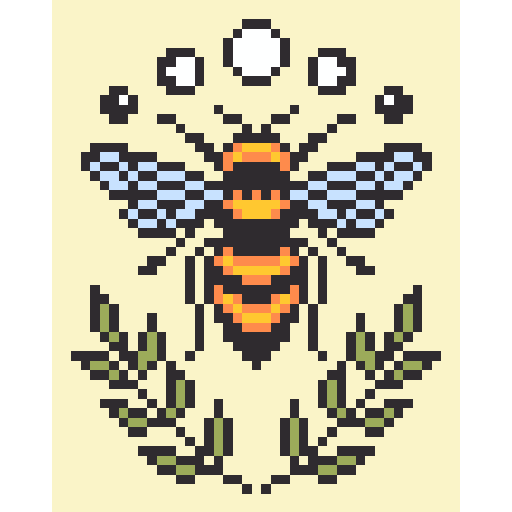
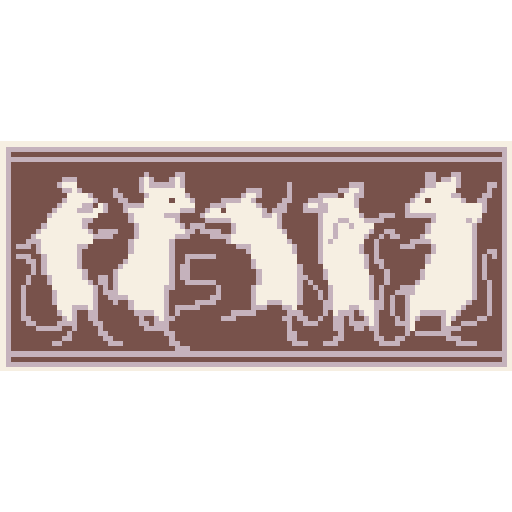
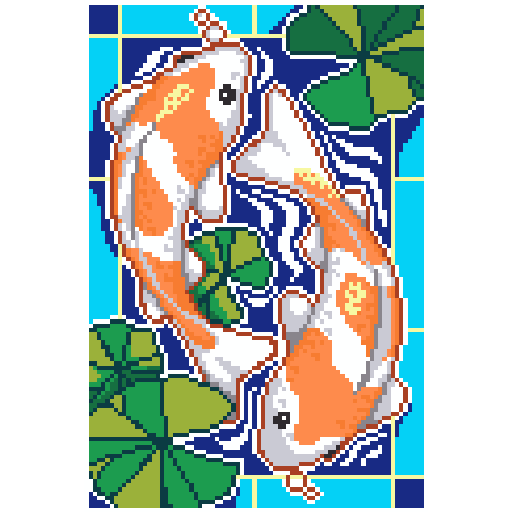
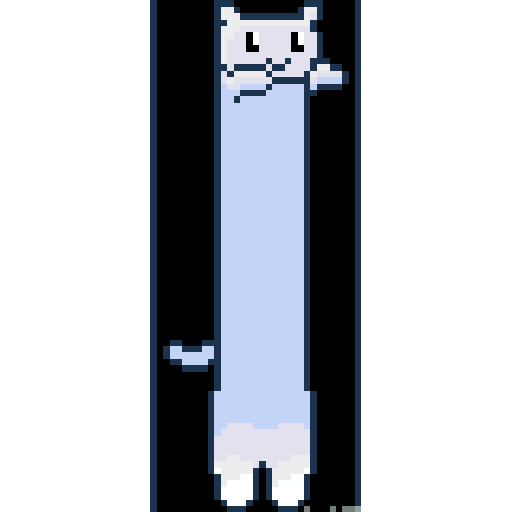
사진과 아트워크에서 추출된 커뮤니티 인기 패턴입니다。